

- Each person sees the work of their own place. A person who belongs to a branch or a department sees its meetings, tasks, calls and cases, and those of the units under it. They do not see the work of other units.
- The agent answers for the right place. A call on a branch’s own number is answered for that branch, with its address, what it should say there, and who to transfer the caller to.
- The app always says where you are. The sidebar shows your unit, every list says whose work it shows, and every task and appointment shows its unit.
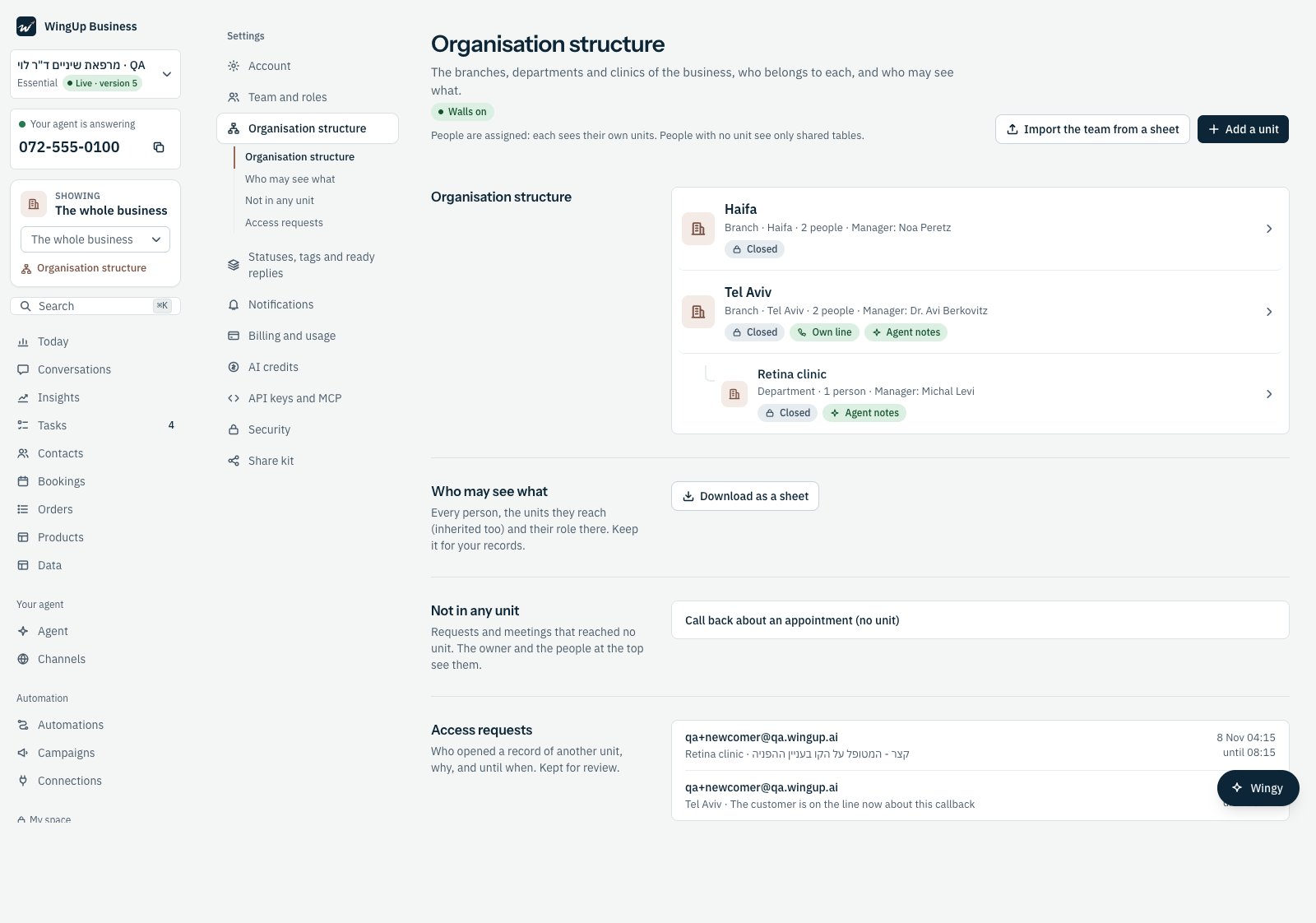
Settings → Organisation structure: two branches and a clinic under Tel Aviv, each with its state.
Who it is for
The same structure fits very different businesses. Only the names and the depth change.
A unit is a branch, a department, a clinic, a site, a district, a committee or a
team. A structure can be up to five levels deep.
The pages in this part
Setting up the structure
Add units, put them in a tree, and choose a manager for each one.
Who belongs where
Assign people to units one by one, from a sheet, or from your identity system.
Who sees what
The walls between units, and how the app shows them to each person.
Request access
Open one record of another unit with a reason, for four hours. For a call centre.
The agent in a unit
A phone line per unit, what the agent knows and does there, and where it books.
What is available today
What is not available yet
These are not part of the product today. Plan around them.- A calendar that belongs to a unit. Appointments carry their unit, and the agent books in the unit’s place, but each calendar is still the business’s calendar or a person’s own calendar. A calendar for a room, a device or a clinic’s agenda is not available yet. The same goes for hospital scheduling systems.
- Insights by unit. The Insights page counts the whole business.
- Automations by unit. An automation runs for the whole business. It cannot start only for one unit.
- Knowledge per unit. A unit has its own facts and rules for the agent (see The agent in a unit), but the business’s knowledge base is shared by all units.
- A WhatsApp number per unit. A unit can have its own phone line. WhatsApp stays one number for the business.
- Unit managers who invite people. Only the owner invites people and changes the structure.
- Changing the structure by talking to Wingy. Set it up on the structure page.