

The rules
Behind the wall: meetings and appointments, tasks (requests, complaints, callbacks, cases), calls and chats with
their summaries, and the activity on a customer’s timeline. Shared by everyone: customers (contacts),
companies, products and orders. A customer who calls two departments is one contact. Each department sees only its
own appointments, requests and calls with that customer.
A unit is closed by default. Open a unit only when its work is not private, for example the branches of a shop
chain that help each other.
How the app shows it
Your unit, in the sidebar
The card at the top of the sidebar says where you are. A person in one unit sees Your unit with its name, and Manager when they manage it. A person in several units, and the owner, see Showing with a list: pick a unit, and the lists show only that unit and the units under it. Pick All your units (or The whole business) to see everything you may see again. The list only filters. It never lets you see more than your units.The bar over a list
Tasks, Bookings and Conversations say at the top whose work they show:- You see the work of Haifa — you are in Haifa, and other units’ work is hidden from you.
- Showing Tel Aviv only — you picked a unit in the sidebar. Press Show everything to see all you may see.
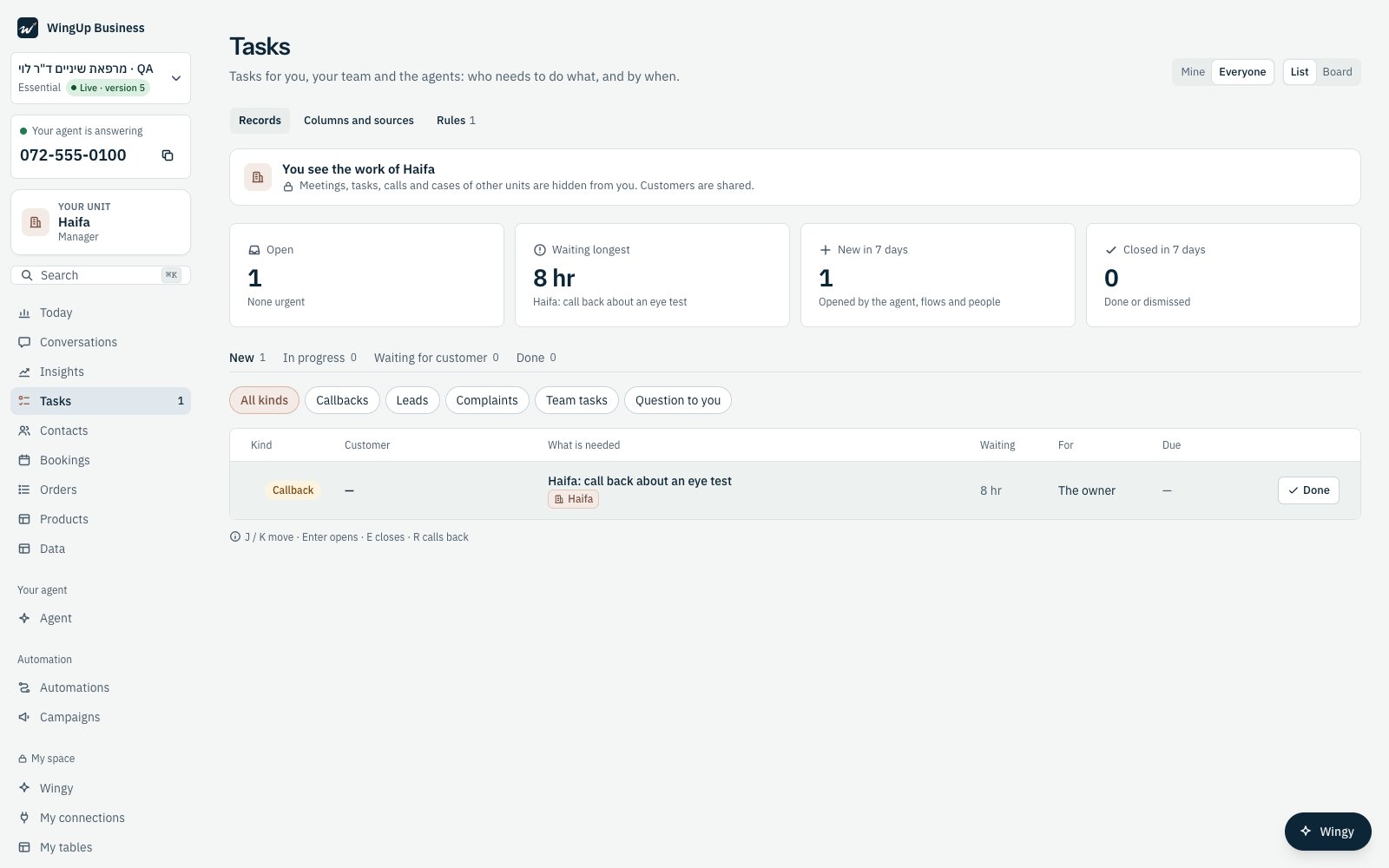
Noa is in Haifa: the Tasks page says so, and shows only Haifa's task.
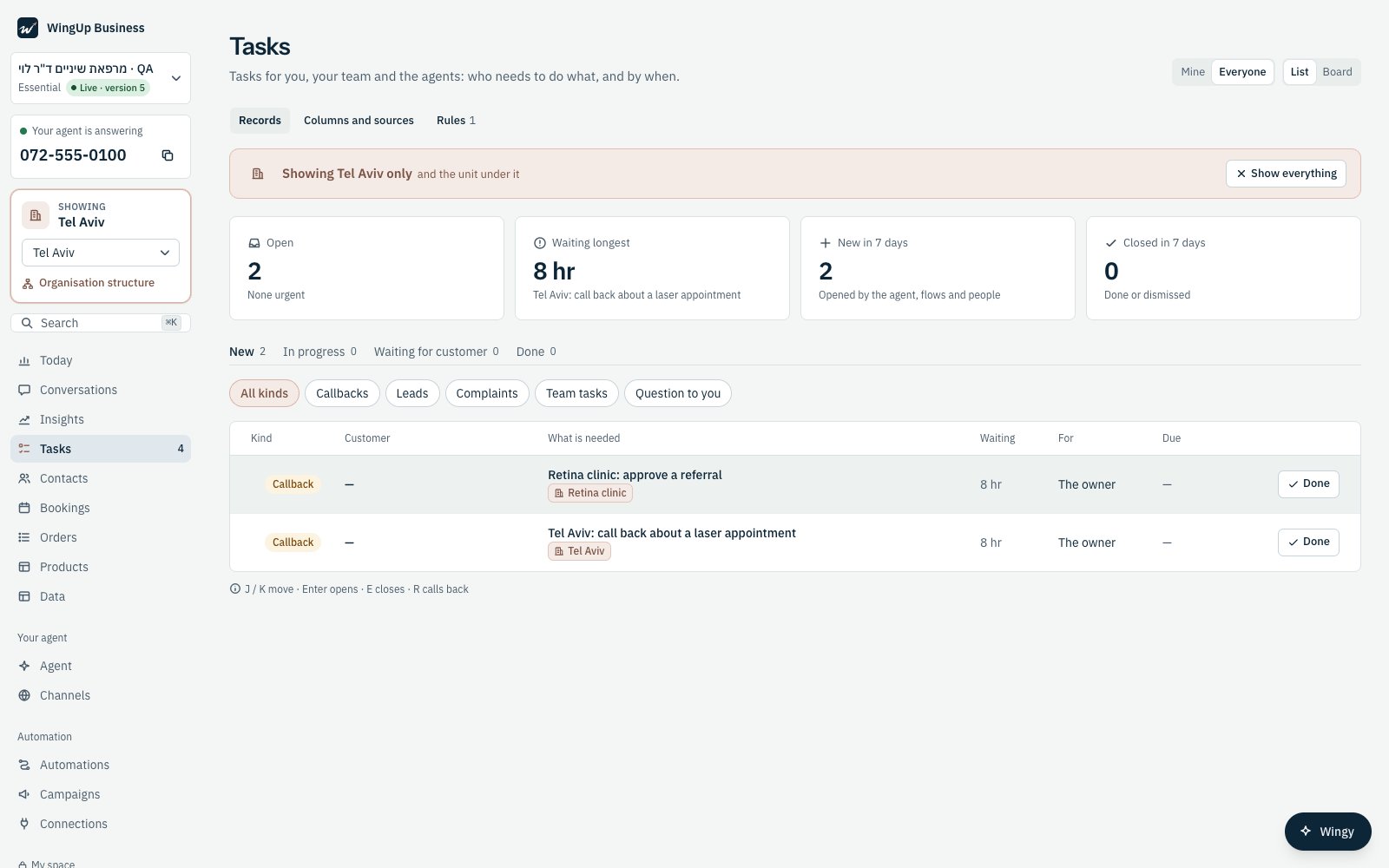
The owner picked Tel Aviv in the sidebar: the list shows Tel Aviv and the Retina clinic under it.
The unit of each task and appointment
Every task and every appointment shows a chip with its unit, in the list, on the board and in the week view.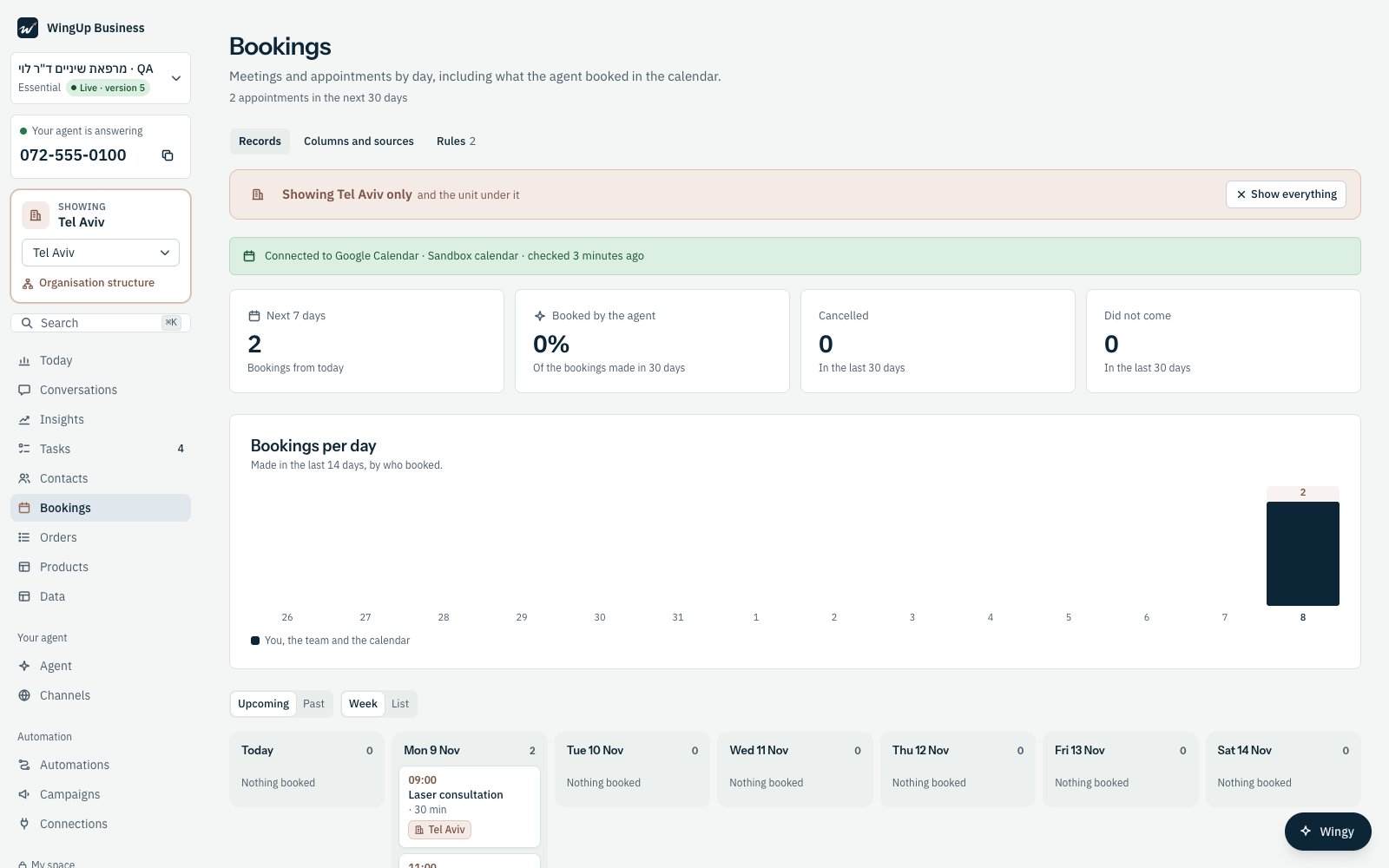
Bookings for Tel Aviv: each appointment carries its unit.
Calls and chats
A person in a unit sees the calls and chats of their units only. A call takes the unit of the line it came in on, or the unit the caller asked for during the call. A call that reached no unit is seen by the owner and by the person at the top of the structure.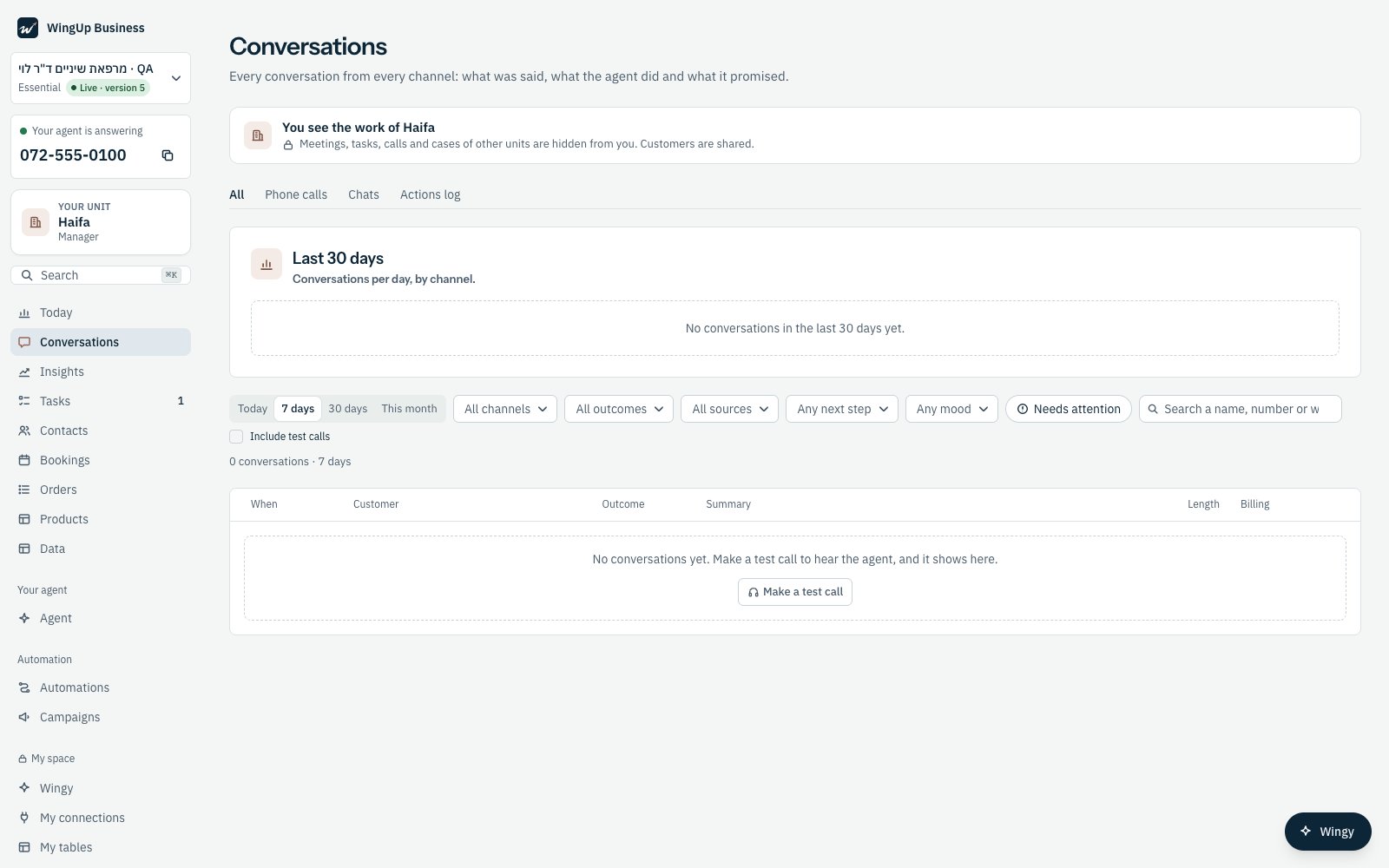
Conversations for a person in Haifa.
A record of another unit
A link to a record of another unit opens a Locked record page. It says which unit the record belongs to, and never shows its title or content. A person whose role allows it can press Request access (see Request access). Everyone else is told to ask that unit’s manager.On the phone
The bar and the chips are the same on a phone.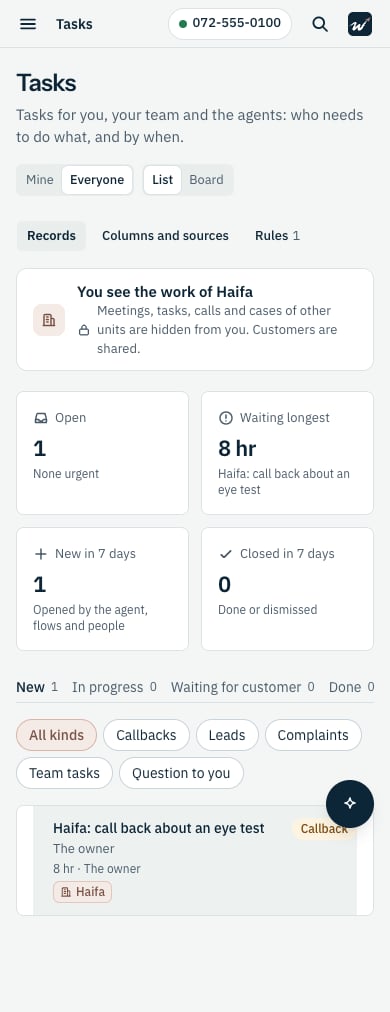
Tasks on a phone, for a person in Haifa.