

Before you start
The units exist (see Setting up the structure). To give a unit its own line, the business needs a second phone number.What the agent knows and does in a unit
Open the unit, then The agent here. Every field is optional. An empty field follows the business.
The agent also uses the unit’s address and How to get here from the Details tab.
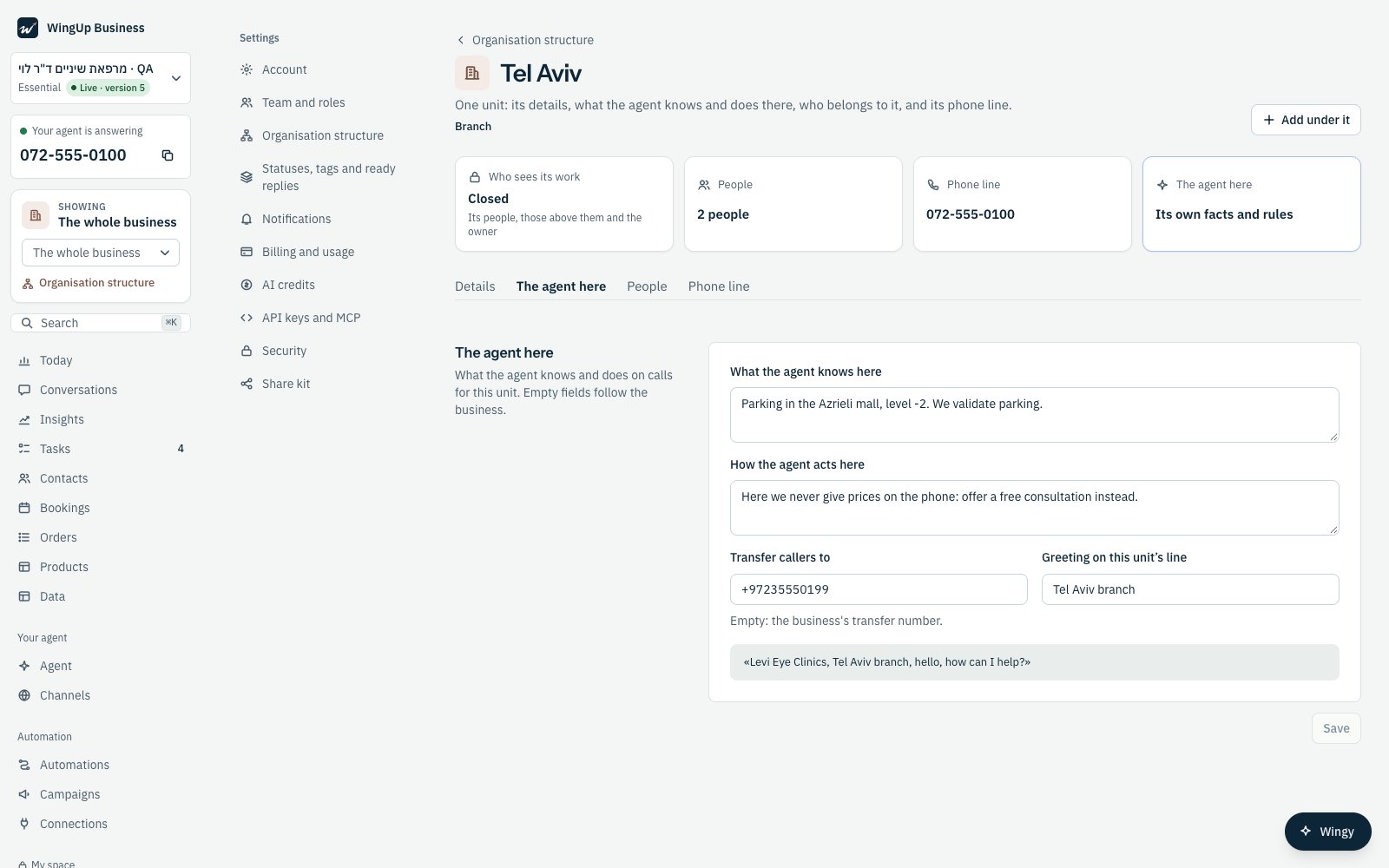
The agent here: facts, rules, the transfer number and the greeting of Tel Aviv.
A phone line for a unit
1
Open the unit's Phone line
Open the unit and press the Phone line tab.
2
Assign a number
Under Your numbers, press Assign a number next to the number. It now Reaches this unit.
3
To undo it
Press Back to the whole business next to the number.
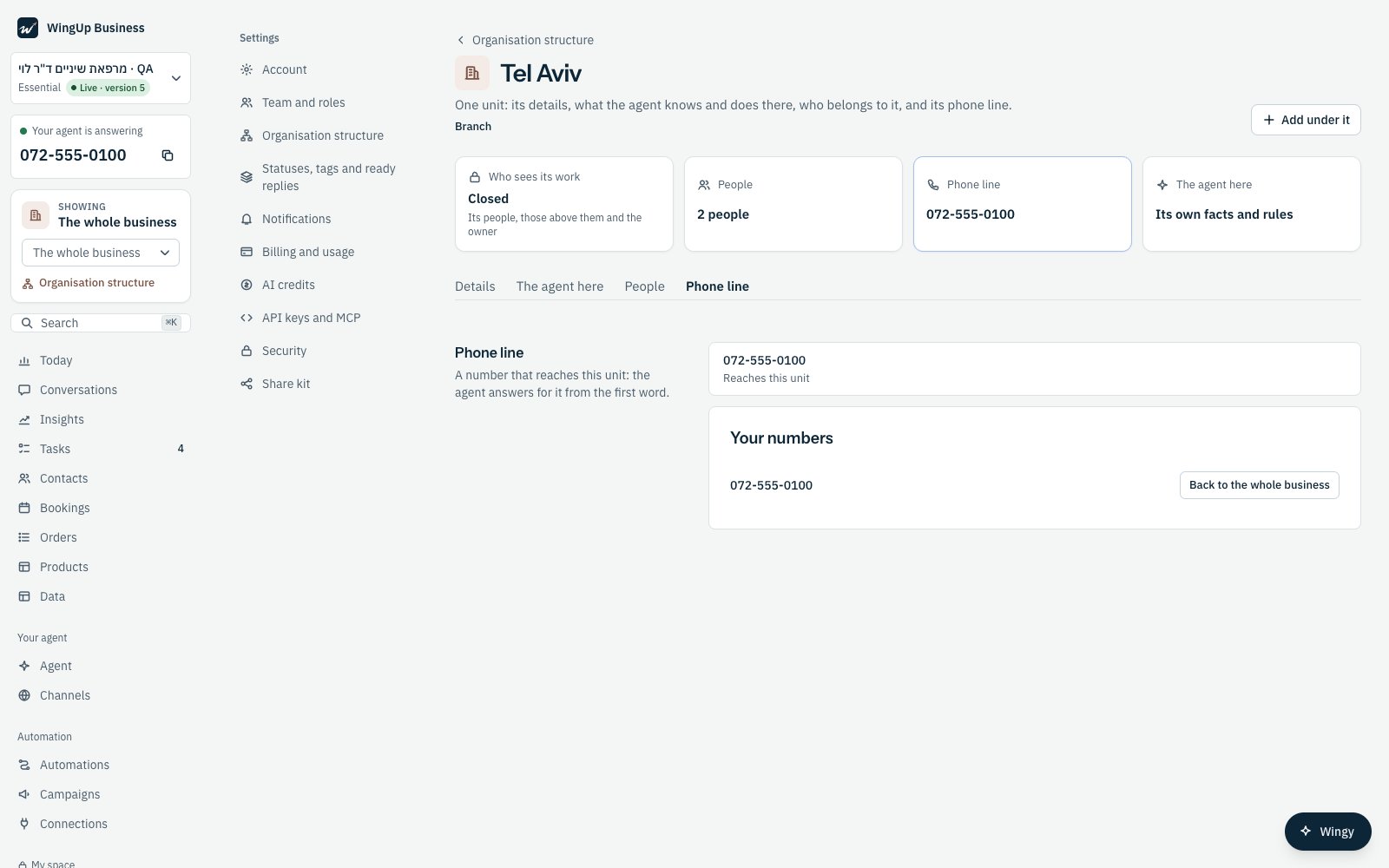
Tel Aviv's phone line.
How a call goes
- On a unit’s own line, the agent knows the unit from the first word. It greets in the unit’s name and answers for it.
- On the business’s main number, the agent understands from the caller where they need to go, or asks. When the caller needs another unit, the agent moves the call there, and from then on it answers for that unit.
- Appointments. The agent looks for free times in the call’s unit. When the team’s hours are written on the unit above it (a department’s doctors work on the branch’s hours), it looks there. When the caller asks for another place, it books there.
- Transfers. When the agent transfers the caller, the call goes to the unit’s Transfer callers to number.
- What it writes down goes to the unit. The call itself, its summary on the customer’s timeline, the follow-up task, and every callback, lead or complaint the agent records are filed in the call’s unit. The unit’s people see them. The people of other units do not.